Technology
Apple Updates macOS 27 Design to Refine Tahoe Interface
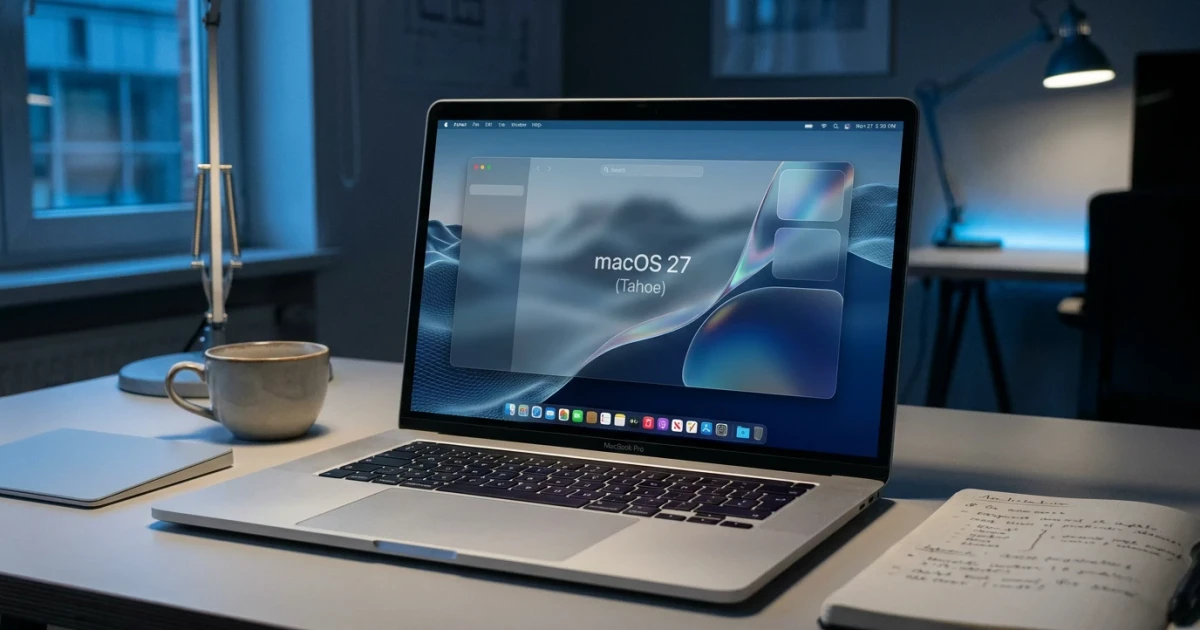
Apple is preparing to roll out notable design updates in macOS 27, aiming to address user and developer feedback about the Tahoe user interface introduced in the previous version. Rather than eliminating the prominent 'Liquid Glass' visual effect, Apple is expected to deliver refinements that balance aesthetic appeal and usability.
Design Changes Targeting Tahoe Quirks
According to Bloomberg, Apple has prioritized resolving quirks associated with the Tahoe interface—a design overhaul that debuted in macOS 26. While the shift to Tahoe brought modernized transparency, animation, and layering effects, some users and developers reported inconsistencies and performance issues. The upcoming macOS 27 update will focus on tuning these elements for smoother operation and enhanced visual coherence.
- Tahoe interface was introduced in macOS 26, featuring new transparency and layering effects
- Bloomberg reports that macOS 27 will address user-identified quirks and interface inconsistencies
- Liquid Glass, a key visual effect, will be refined rather than removed
Liquid Glass: Getting a Tune-Up, Not the Axe
The Liquid Glass effect, which provides depth through dynamic blurring and translucency, has been a central aspect of the new design language. Early speculation suggested Apple might remove this effect due to mixed feedback. However, Bloomberg and AppleInsider both confirm that Liquid Glass will remain in macOS 27, albeit with under-the-hood adjustments intended to improve performance and accessibility.
These tweaks aim to maintain the visual sophistication that distinguishes macOS while reducing distractions and ensuring that text and controls remain legible across different backgrounds. Developers can expect updated APIs and documentation reflecting these refinements in the forthcoming release notes.
User and Developer Impact
While Apple has not publicly commented on the specifics, the design changes are widely seen as a response to feedback from the Mac community. Designers and app makers will need to review their software for compatibility with the revised visual effects, but the incremental nature of these changes means most existing apps should require minimal updates.
According to Statista, macOS continues to command a significant share of the desktop operating system market. Maintaining visual consistency and usability is crucial for both end users and the ecosystem of developers who support the platform.
Looking Ahead to macOS 27
The anticipated refinements in macOS 27 underscore Apple’s iterative approach to user interface design. Rather than abandoning recent innovations, Apple is listening to feedback and making targeted improvements. Users can expect a more polished experience, with familiar features like Liquid Glass enhanced for reliability and visual clarity.
For those interested in the technical underpinnings or official documentation of these UI elements, Apple provides comprehensive resources for both developers and end users:
As Apple prepares for the official release of macOS 27, users and developers alike will be watching closely to see how these changes improve the day-to-day Mac experience.