Technology
Google, Apple and Samsung turn phones into health dashboards
A medical card on an iPhone Lock screen can give first responders allergies, conditions and emergency contacts before anyone enters a passcode. Apple, Google and Samsung have turned a phone into something closer to a personal health dashboard than a simple fitness tracker. The most useful parts are not the flashiest ones: a medical card first responders can reach, emergency contacts that appear on a lock screen, and health records that move across apps without forcing you to hand over everything at once.
The emergency tools are the first layer
Apple’s Medical ID is built for the moment a person cannot unlock a phone. It lives in the Health app on iPhone and is available from the Lock screen without the passcode, which makes it one of the lowest-friction safety features on the device. Medical ID can hold allergies, medical conditions and emergency contacts, and iPhone and Apple Watch can automatically share it during an emergency call in the United States and Canada.
Samsung takes a similar approach on Galaxy phones and watches. Users can store emergency contacts and medical information for quick access during emergencies, show emergency contacts on the Lock screen and use SOS and emergency-sharing features. Galaxy devices can quickly surface medical information for first responders.
Apple’s Medical ID is the simplest place to start
For anyone already carrying an iPhone or Apple Watch, Medical ID is the feature that does the most work for the least effort. It is designed around a basic reality of emergencies: a passcode may not be available, but a lock screen often is. That is especially useful for people with severe allergies, chronic conditions or medication sensitivities, because those details can be the difference between routine care and a dangerous delay.
Apple places Medical ID inside a broader Safety Features toolkit for iPhone and Apple Watch.
Google’s Health Connect is the bridge between apps
Google’s Health Connect is built for a different problem: not emergency access, but coordination. The service stores health data locally on the device and lets users control which apps can access which data types. In practice, that means you can allow multiple health, fitness and medical apps to work with the same underlying information without sending it into a single cloud profile by default.
Connected apps can access all historical medical data with permission, and the usual 30-day limit does not apply to health records. Sleep trends, exercise patterns and medical records are often only meaningful when viewed over months, not days. Health Connect is available on Android devices and is integrated into Android 14 settings, so it is not an extra gadget layer bolted on later.
The Google Health app can connect with Health Connect and Apple Health, letting data from an iPhone, Apple Watch and other iOS health and fitness apps flow into Google Health.
Samsung Health turns day-to-day use into a record
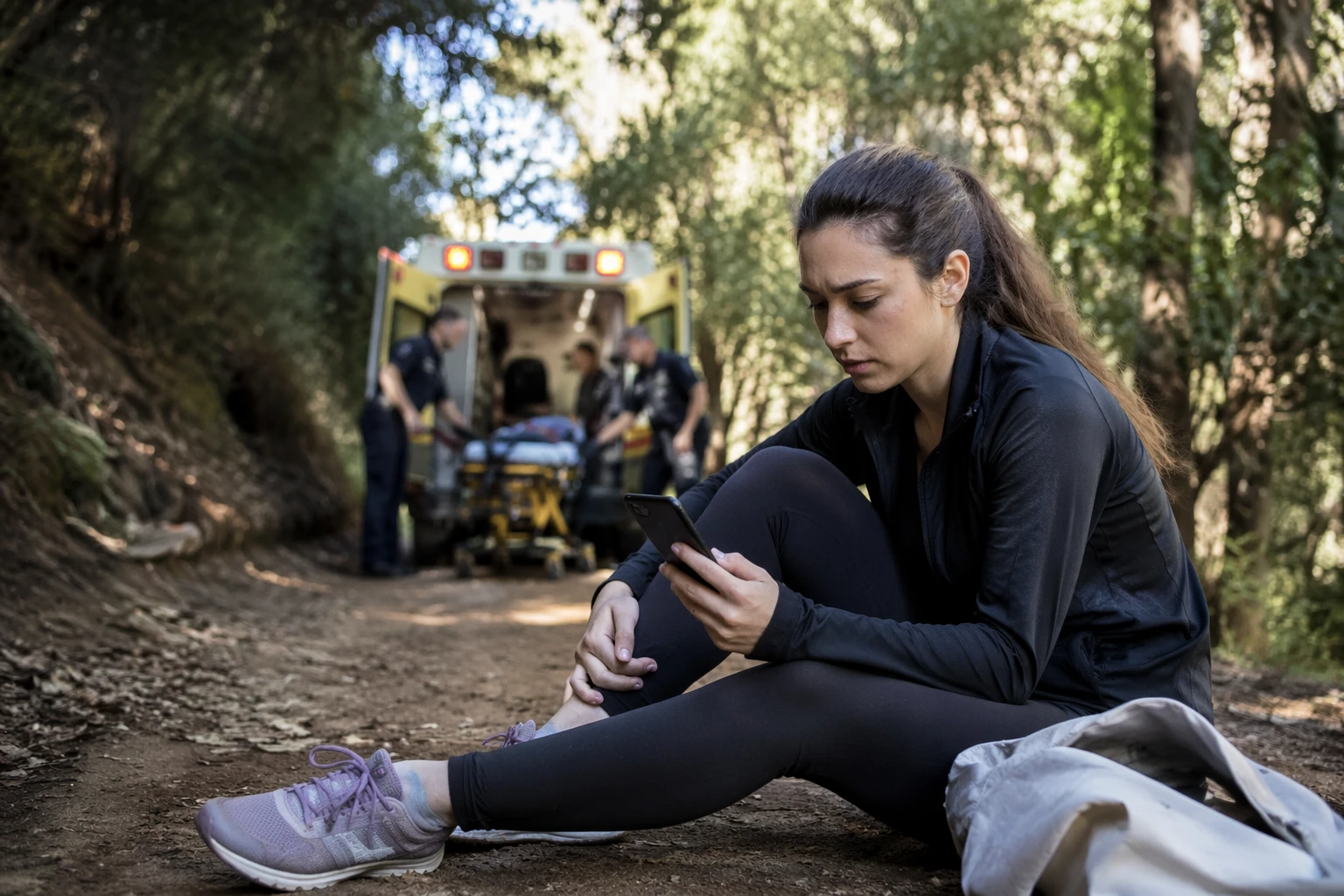
Samsung Health is the company’s main health-tracking layer, and it focuses on the metrics many people already monitor informally. It tracks sleep, exercise and heart rate, and it works with Galaxy Watch or Galaxy Ring for sleep tracking and more seamless monitoring.
Galaxy hardware can keep medical details close to emergency tools while also building a history of sleep, activity and heart rate that may be useful for noticing changes over time.
Where the privacy trade-offs begin
The upside of these systems is clear: one device can carry a Medical ID, emergency contacts, activity tracking and app-based health data. Apple’s emergency sharing makes critical information available quickly, Google’s Health Connect lets multiple apps reach the same records, and Samsung’s tools can surface personal details instantly on a lock screen.
That means the most important setup decision is not whether to use the features, but how much you want them to reveal and to whom. A medical card that first responders can open without a passcode is useful because it is fast; it also deserves a careful review before it is needed. A shared data hub is useful because it connects apps; it also works best when you limit access to the specific data types each app actually needs.
A practical setup order
- Add your emergency contacts and medical details first. On Apple devices, that means Medical ID in Health; on Galaxy phones, it means the emergency and medical info tools in Samsung’s safety features.
- Decide what should appear on the lock screen. Samsung lets users show emergency contacts there, while Apple’s Medical ID is designed to be available from the Lock screen without a passcode.
- Link health apps only when the connection serves a real purpose. Health Connect is meant to move data between apps, but the most useful setup is the smallest one that still covers your care needs.
- Use wearables if you already own them. Apple Watch, Galaxy Watch and Galaxy Ring can deepen the record without requiring extra manual logging every day.
Sources
- [1]nytimes.com
- [2]support.apple.com
- [3]support.google.com
- [4]samsung.com