Science
How to photograph the August eclipse with your smartphone
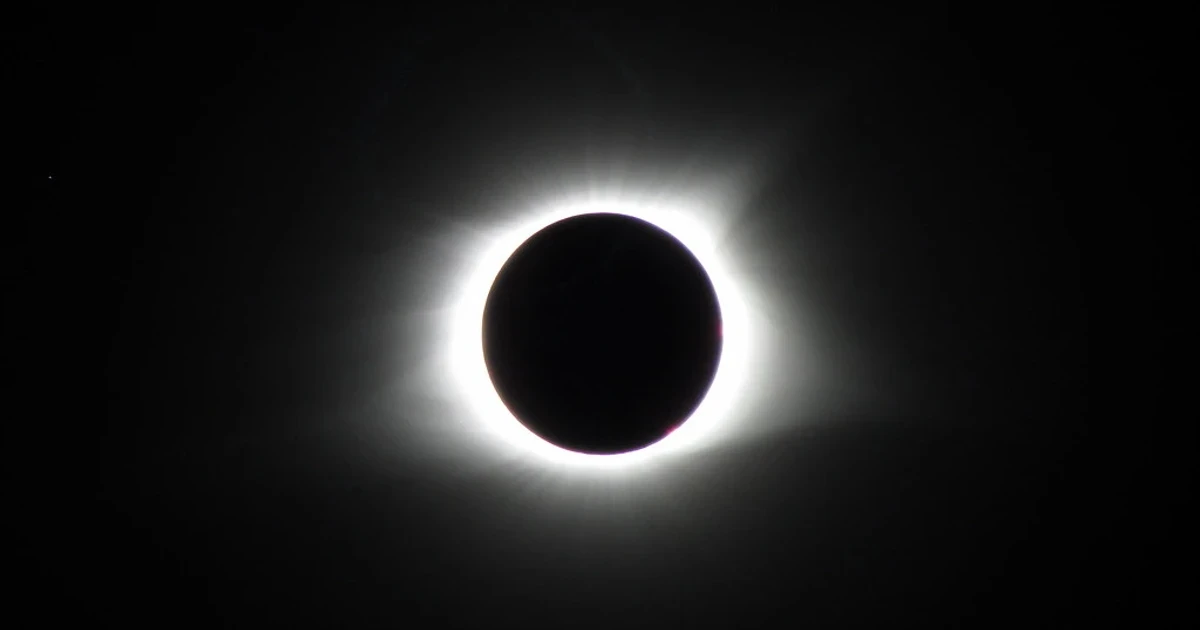
National eclipse maps put the August 12 total solar eclipse at a maximum duration of 2 minutes and 18 seconds along a narrow path across Europe. If you want a clean image, build the shot around stability, reduced exposure and proper eye protection, then accept that your smartphone will capture the event best when you stop it from trying to do too much.
Where the eclipse will matter most
The total eclipse cuts a narrow path across Europe and will be visible in parts of Europe, including Iceland, Spain and Portugal, ESA said on May 21. National Geographic’s August 6 preview narrowed the route further to a strip from Greenland and Iceland to northern Spain and Portugal, where viewers will see totality.
Royal Observatory Greenwich called it the UK’s best solar eclipse since 1999, and National Geographic’s July 30 August sky guide also covers meteor showers and a near-total lunar eclipse. If you are traveling for the eclipse, the real target is the path of totality; if you are outside it, you are still shooting a partial eclipse and should plan accordingly.
Set up the phone before the light changes
A smartphone can absolutely record the eclipse, but the phone has limits that matter more at the edge of daylight than in ordinary photography. NASA published a smartphone astrophotography guide on May 14, 2019 built around Dr. Sten Odenwald. Phones can be useful for astronomy when you control the basics instead of trusting auto mode to guess correctly.
Start with a stable base. A tripod is the best choice, but any solid surface that keeps the phone from moving will help, including a wall ledge, table, car roof or rock if you are careful about vibration. Clean the lens before you begin, because even a small fingerprint will flare badly when you are shooting a bright solar disk.
• Use a tripod or another stable surface.
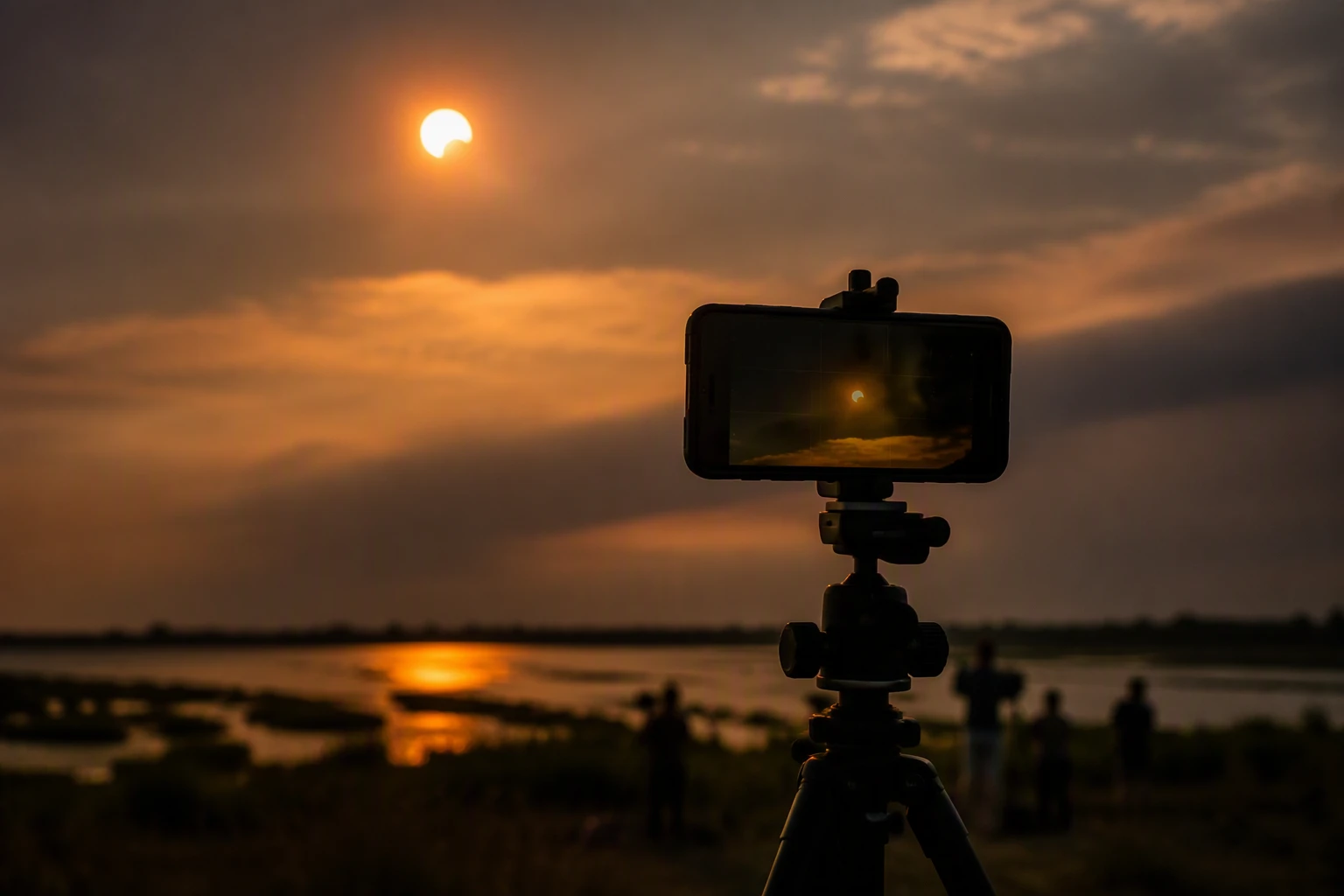
• Attach a solar filter to the camera lens for the bright phases of the eclipse.
• Turn off flash, beauty filters and other heavy processing.
• Use optical zoom if your phone has it, not digital zoom.
• Test focus, exposure and burst mode before the eclipse starts.
The settings that actually help
A useful eclipse setup is usually about subtraction, not addition. A solar filter, tripod, reduced exposure, optical zoom, testing settings, shooting RAW and using burst mode during totality all help. Space.com’s eclipse photography advice includes the same list, and those tips fit smartphone shooting well. The first move is to lower exposure so the sun or eclipsed sun does not blow out to a white circle with no edge detail.
If your phone offers manual controls, bring exposure down until the bright source stays defined. If it only offers basic controls, tap on the sun or bright disk and drag the exposure lower until the frame stops washing out. Optical zoom helps because it preserves more detail than digital zoom, while RAW capture gives you more room to adjust the image later if your phone supports it.
Burst mode matters because the best moments can pass fast. During totality, the corona changes quickly and the window for a sharp frame is short, so a short burst gives you a better chance of catching one clean image. That is also where practice pays off: if you have already tested the shutter, exposure slider and zoom before the event, you will spend less time hunting menus and more time watching the sky.
What not to do
Do not treat the phone screen as eye protection. Proper eye protection is still necessary for solar eclipse viewing and photography. NASA’s eclipse-safety guidance calls for eclipse glasses or a certified solar filter when you are looking toward the sun. A phone camera does not make direct viewing safe, and no image is worth risking your eyesight.
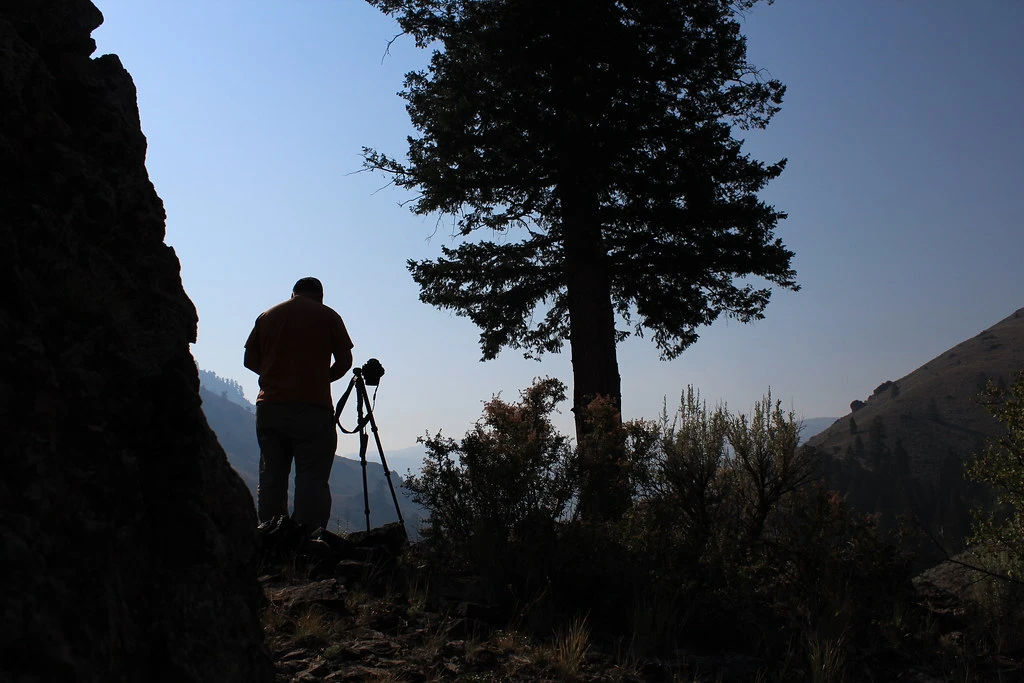
Do not rely on full auto mode to rescue a high-contrast scene. Phones love to brighten shadows, which is exactly the wrong instinct when the subject is a brilliant solar disk. Do not handhold unless you have no other option, because even tiny movement will blur the frame when you are zoomed in. And do not keep the exposure cranked high in hopes that a brighter picture will show more detail, because it usually does the opposite and leaves you with a flat, overexposed image.
A solar filter is the most important accessory for the camera itself. It controls the intense light entering the lens, helps protect the shot from being overwhelmed and gives your phone a realistic chance to record shape rather than glare. During the short totality window, you can use burst mode to catch the corona and the changing light, but the rest of the time the filter should stay on.
Make the shot practical, not perfect
The most useful eclipse photo from a smartphone is often not the most dramatic one. It may be a clean frame of the darkened sun over a recognizable horizon, or a sequence that shows the sky dimming as the moon moves into place.
The August eclipse will not give you much time to improvise. Whether you are in Iceland, Spain, Portugal, northern Spain or anywhere else on the edge of visibility, the winning formula is the same: steady the phone, lower the exposure, use the right filter, and protect your eyes first.
Sources
- [1]apnews.com
- [2]nationalgeographic.com
- [3]esa.int
- [4]science.nasa.gov
- [5]assets.science.nasa.gov
- [6]space.com
- [7]thesocieties.net
- [8]rmg.co.uk
- [9]nationaleclipse.com