Technology
How to Protect Your Privacy on Roku TVs
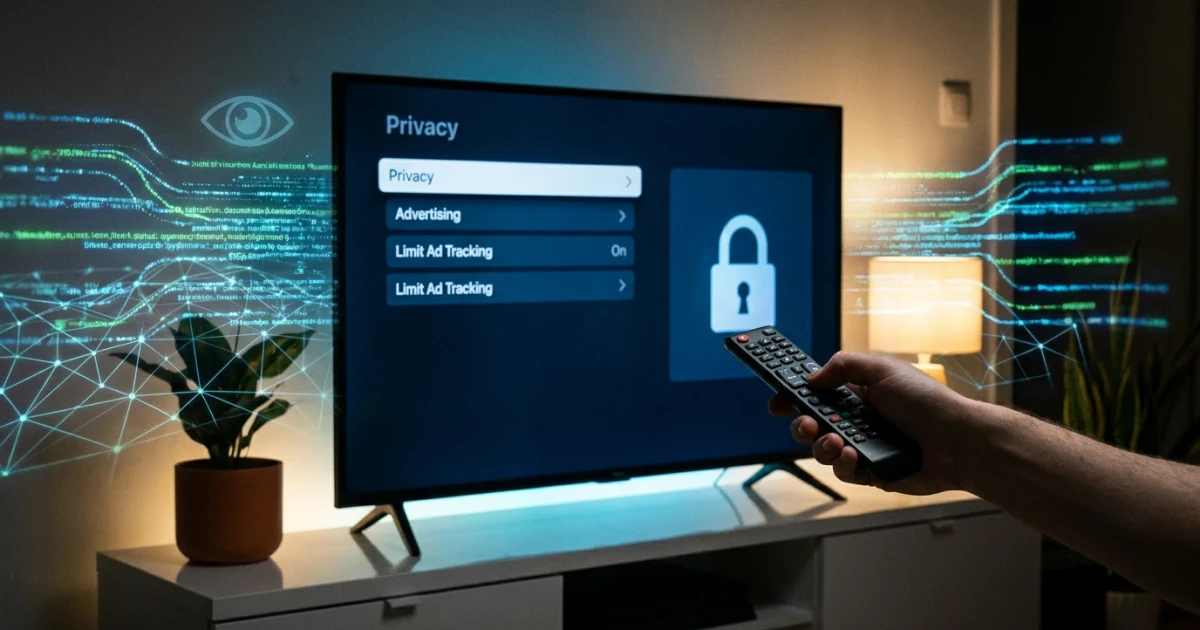
Millions of Americans own Roku TVs, but few realize that their televisions are collecting data on their viewing habits and preferences by default. While smart features offer convenience, they also come with potential privacy trade-offs. Experts recommend making a few key changes to your Roku TV’s settings to limit the amount of data shared with third parties and reduce targeted advertising.
Roku TV Data Collection: What You Need to Know
Roku TVs, like many smart TVs, collect information about what you watch and how you interact with your device. This data can include your search history, the apps you use, and even audio signals that identify what’s playing on screen. According to Roku’s official privacy policy, the company may share this information with advertisers, content partners, and analytics firms to personalize recommendations and serve targeted ads.
The scale of smart TV ownership in the United States has surged in recent years, with a significant share of the market held by Roku-powered devices. As more households connect their TVs to the internet, data collection practices have come under increasing scrutiny from privacy advocates and government agencies. An FTC PrivacyCon panel highlighted how smart TVs often gather more information than consumers realize, including device identifiers and location data.
Three Key Privacy Settings to Change
Most Roku TV users are unaware that they can control what data their device collects and shares. According to Tom’s Guide and Consumer Reports, making adjustments to the following three settings can meaningfully enhance your privacy:
- Limit Ad Tracking: In your Roku TV settings, navigate to Privacy > Advertising, and enable the “Limit Ad Tracking” option. This tells Roku to restrict personalized ad targeting based on your usage data, though it may not eliminate ads altogether.
- Disable Automatic Content Recognition (ACR): ACR scans what you’re watching—even if it’s through a cable box or game console—and reports this data to Roku and third parties. Turn off ACR by going to Privacy > Smart TV Experience, and disable “Use Info from TV Inputs.”
- Review App Permissions: Check which streaming apps are installed and what permissions they request. Some apps may gather their own data independent of Roku’s controls. Remove apps you don’t use, and review privacy policies for each service.
For more detailed, step-by-step instructions, see this Roku privacy settings explainer.
Why These Changes Matter
Research from the New York Times and the Federal Trade Commission underscores the extent of smart TV tracking. In test environments, smart TVs—including Roku models—were found to transmit viewing data and device information to multiple firms, sometimes even after users believed they had opted out. The FTC’s data spotlight shows a steady increase in consumer complaints related to privacy and security on smart TVs over the last several years.
Disabling data collection features helps limit the profile that advertisers and third-party companies can build on you. While these changes do not guarantee total privacy, they offer users more control over how their information is used and shared.
What Else Can Users Do?
- Routinely review privacy settings after software updates, as defaults may change.
- Consult explainer guides like Consumer Reports’ step-by-step instructions for the latest tips.
- Read privacy policies before agreeing to new apps or features, and opt out where possible.
Looking Ahead
As smart TVs become even more integrated into connected homes, privacy concerns are likely to grow. Regulatory scrutiny from agencies like the FTC is prompting some manufacturers to offer clearer controls and more transparent disclosures. Still, it remains essential for consumers to be proactive in managing their device settings. By taking a few simple steps, Roku TV users can enjoy smart features while minimizing unwanted tracking and data sharing.