Technology
Microsoft Pulls Copilot Buttons from Key Windows 11 Apps
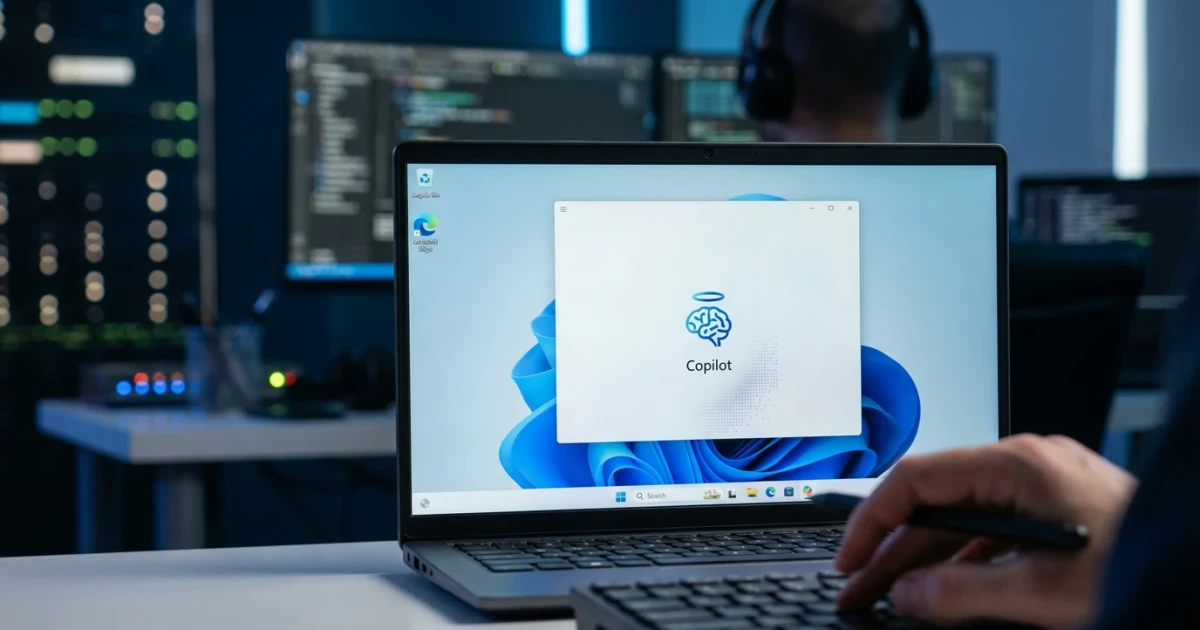
Microsoft has begun removing Copilot buttons from several built-in Windows 11 apps, signaling a shift in how the tech giant is integrating its AI assistant across the operating system. The move, first reported by The Verge, marks a notable change in user experience for those relying on Copilot’s features within core Windows applications.
What’s Changing in Windows 11
Recent updates to Windows 11, version 23H2 have introduced multiple interface adjustments, including the removal of the Copilot button from key apps such as Microsoft Paint, Photos, and the Snipping Tool. This change means that users will no longer see the familiar Copilot shortcut within these individual applications, altering the way they access AI-powered features.
The decision is part of a broader strategy to streamline the user experience and consolidate access to Copilot. Instead of embedding buttons within each app, Microsoft appears to be centralizing Copilot within the system tray and main Windows interface. This adjustment impacts both feature availability and the visibility of AI options for everyday users.
Copilot’s Role in Windows 11
Introduced as a key feature in recent Windows updates, Microsoft Copilot offers AI-powered assistance for search, task automation, and creative projects. It is designed to help users write, create images, and manage settings through natural language prompts. The initial integration placed Copilot buttons directly within several native apps, allowing quick access to context-specific AI features.
With the recent removal of these buttons, users will now interact with Copilot primarily through the Windows taskbar or by launching it as a standalone assistant. Microsoft’s intention may be to reduce redundancy and simplify the interface, but the change could also impact how often and how easily users leverage AI features throughout Windows 11.
User Reactions and Implications
The update has sparked discussions among Windows 11 users and observers, with some expressing concern that the removal of app-specific Copilot buttons could limit quick access to AI tools, particularly for those who have incorporated them into their daily workflows. Others note that consolidating Copilot access may result in a cleaner, less cluttered interface, potentially benefiting users who found the proliferation of buttons confusing or unnecessary.
- Copilot buttons are being removed from key apps like Paint and Photos.
- Access to Copilot is shifting to the system tray and main Windows interface.
- Some users prefer integrated AI shortcuts, while others favor a streamlined interface.
According to current market data, Windows 11 adoption continues to grow, amplifying the impact of interface and feature changes for millions of users worldwide. The removal of Copilot buttons may prompt users to adjust their routines, but it also aligns with Microsoft’s ongoing efforts to refine AI integration within its operating system.
Looking Ahead
As Microsoft continues to evolve Windows 11, further adjustments to AI and interface features are likely. The company’s long-term strategy appears focused on creating a unified and accessible AI experience, even as it experiments with the best ways to surface these tools within the OS. For users, staying updated on feature changes and learning new ways to access Copilot will be essential as the platform develops.
While some may lament the loss of convenience, others may welcome the streamlined approach, highlighting the ongoing balance Microsoft seeks to strike between innovation and usability in Windows 11.