Technology
Microsoft tests deeper Android integration in Windows 11
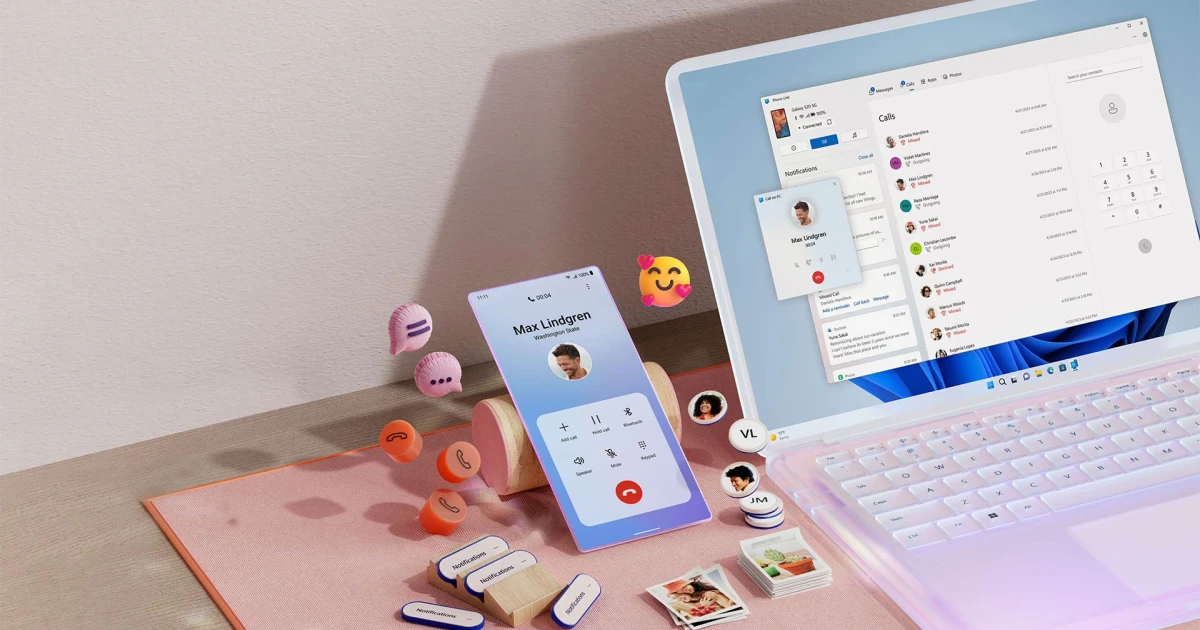
Microsoft tested a dedicated smartphone flyout in Windows 11, along with a standalone Messages app and tighter links to Start, the taskbar and clipboard history.
Microsoft first announced Your Phone and Your Phone Companion in October 2018, then rebranded them as Phone Link on the PC side and Link to Windows on Android. Phone Link already lets people read and reply to text messages, view recent photos, make and receive calls, and manage notifications from a Windows PC.
The feature set included a richer phone experience inside Start that showed more recent activity, hover previews for full messages, a taskbar phone icon that opened a flyout, drag-and-drop file transfer to the phone icon, broader clipboard history syncing and a separate Messages app pinned from Start. The features were prototyped internally.
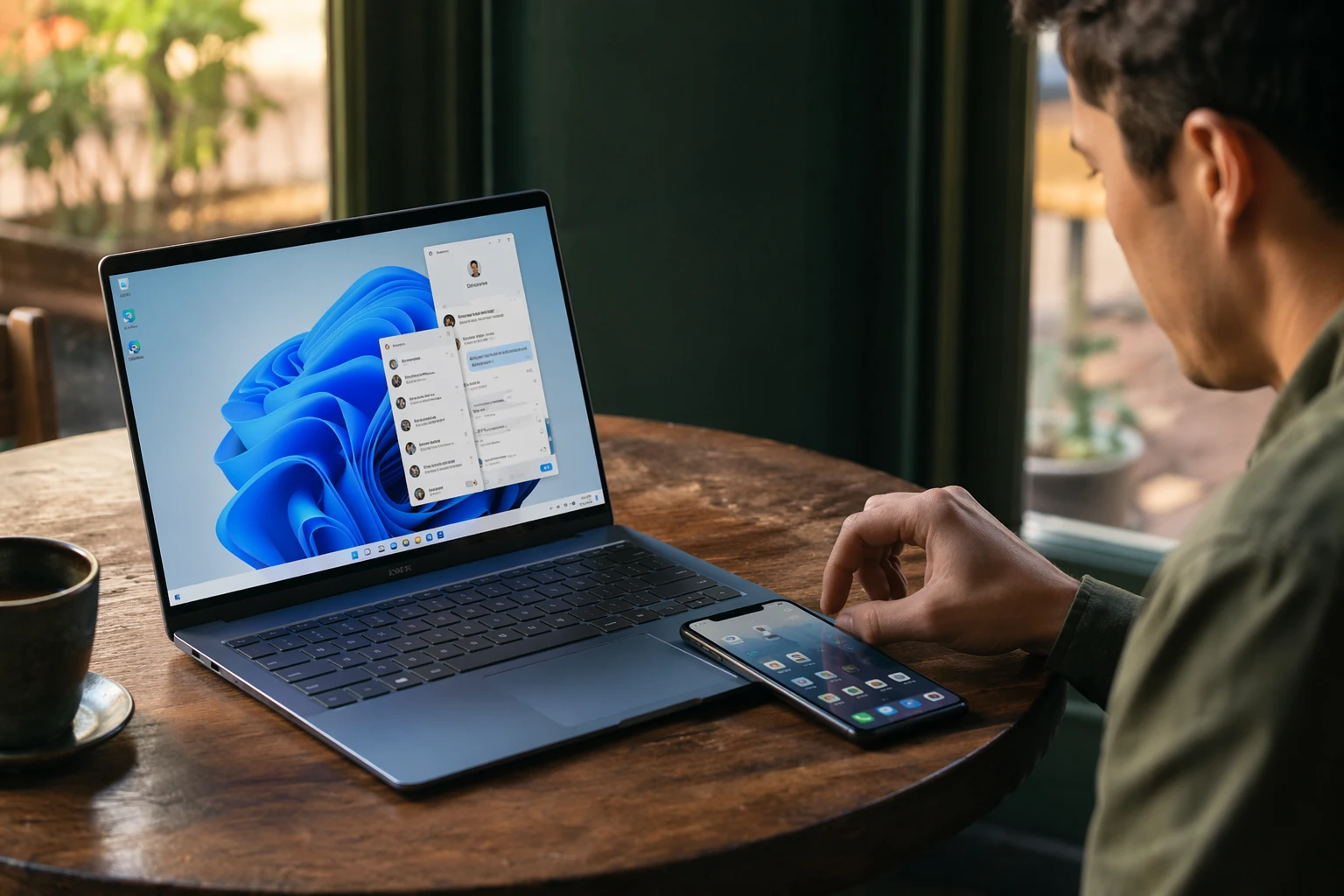
Microsoft’s existing phone-management tools already reach deep into Windows 11. Users can link and manage mobile devices from Bluetooth & devices, then Mobile devices, then Manage devices. The setup requires Windows 11 and an Android device running Android 10 or later for general mobile-device management, while File Explorer integration needs Android 11 or greater and Link to Windows version 1.24072.258.0 or later.
That File Explorer connection can show only one mobile device at a time, and deleted phone files can be recovered from the Android device’s Recycle bin - Connected device folder for 30 days.
Link to Windows comes preinstalled on select Samsung, HONOR, Surface Duo and OPPO devices running Android 9.0 or later. Other Android devices running Android 7.0 or later can download it from the Google Play Store. In September 2025, Microsoft was already testing clipboard sync from Windows to Android in Dev builds, with support for keyboards including Samsung Keyboard and Gboard.