Technology
Why the Windows Control Panel Transition Remains Slow
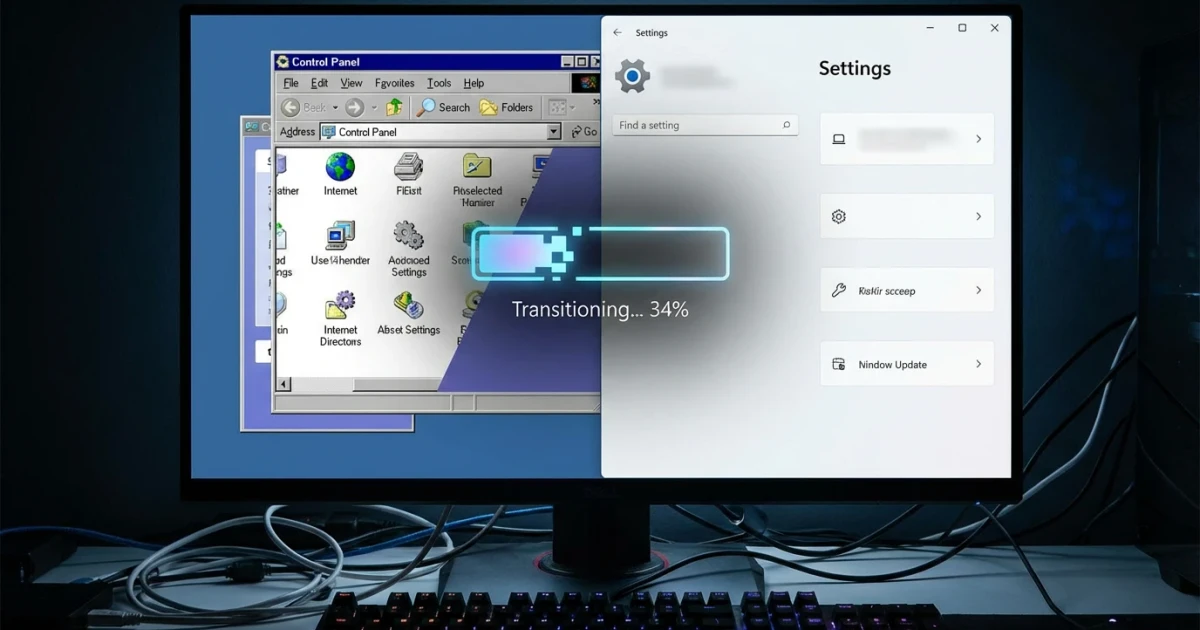
Microsoft’s years-long effort to retire the legacy Windows Control Panel and consolidate system settings under the modern Windows 11 Settings app has proven more complex than many expected. While the company has steadily migrated features, the process has left users navigating two overlapping interfaces and wondering why the transition remains unfinished.
The Long Road from Control Panel to Settings
The Control Panel has been a cornerstone of Windows management since the mid-1990s. With the introduction of Windows 10 and, more recently, Windows 11, Microsoft began a campaign to move configuration options to the newer Settings app. According to The Verge, this migration was intended to provide a more consistent, touch-friendly, and modern user experience while phasing out legacy components that are difficult to update and secure.
Despite Microsoft’s public ambitions, progress has been slow. The Settings app has gained new pages with every release, but the official deprecation list shows that many Control Panel applets remain available, especially those needed by IT administrators and power users. The result is a confusing mix where some options open in Settings, others still launch Control Panel dialogs, and certain advanced features are split between both.
Why the Transition Takes So Long
- Complexity and Legacy Support: The Control Panel houses decades of features and third-party integrations. According to The Verge, replacing these without breaking compatibility for millions of users is a major technical hurdle.
- User Backlash and Enterprise Needs: Many IT professionals rely on familiar Control Panel tools for scripting, group policy, and device management. Abrupt removal could disrupt business operations, so Microsoft has opted for a gradual approach.
- Incremental Updates: Each Windows version migrates a few more settings, but even as Windows 11’s share grows, a significant portion of users remain on older versions, slowing the pace of change.
What’s Left in the Control Panel?
Despite progress, key areas like Hardware and Sound, some device management options, and advanced networking remain in the Control Panel. Recent versions have moved common areas like Display, Power, and Bluetooth entirely to Settings, but according to Windows Central, the transition is only partial. Specialized tools, such as legacy printer configuration and advanced user management, are still not replicated in Settings.
For a detailed breakdown, the Windows Settings Reference offers a comprehensive list of what’s moved, while research from Ghacks catalogs what remains. Users looking to see exactly which features have migrated can compare these resources to get a granular view of the transition.
Frustration for Users and IT Pros
The result of this slow migration is a fragmented experience. Users searching for system options often bounce between Settings and Control Panel, sometimes encountering redundant or differently labeled options. IT professionals must update documentation and support scripts to account for both interfaces, adding to the confusion.
While some users appreciate the new Settings design, others lament missing features and the lack of advanced controls. The Verge highlights that even basic tasks like managing network adapters or environment variables still require the old Control Panel dialogs, hampering Microsoft’s vision of a unified interface.
Looking Ahead
Microsoft shows no signs of abandoning the migration, but it is clear the company is prioritizing stability and backward compatibility over speed. The Control Panel’s days are numbered, but for now, users will need to continue navigating both worlds.
For those keeping track, Microsoft’s official deprecation records and Settings reference guides remain the best sources for what’s changed and what’s next as Windows continues its long journey toward modernization.